
Burst PDF — free forever
Split a PDF into one file per page and download them all as a zip.
Burst PDF into single pages — free forever
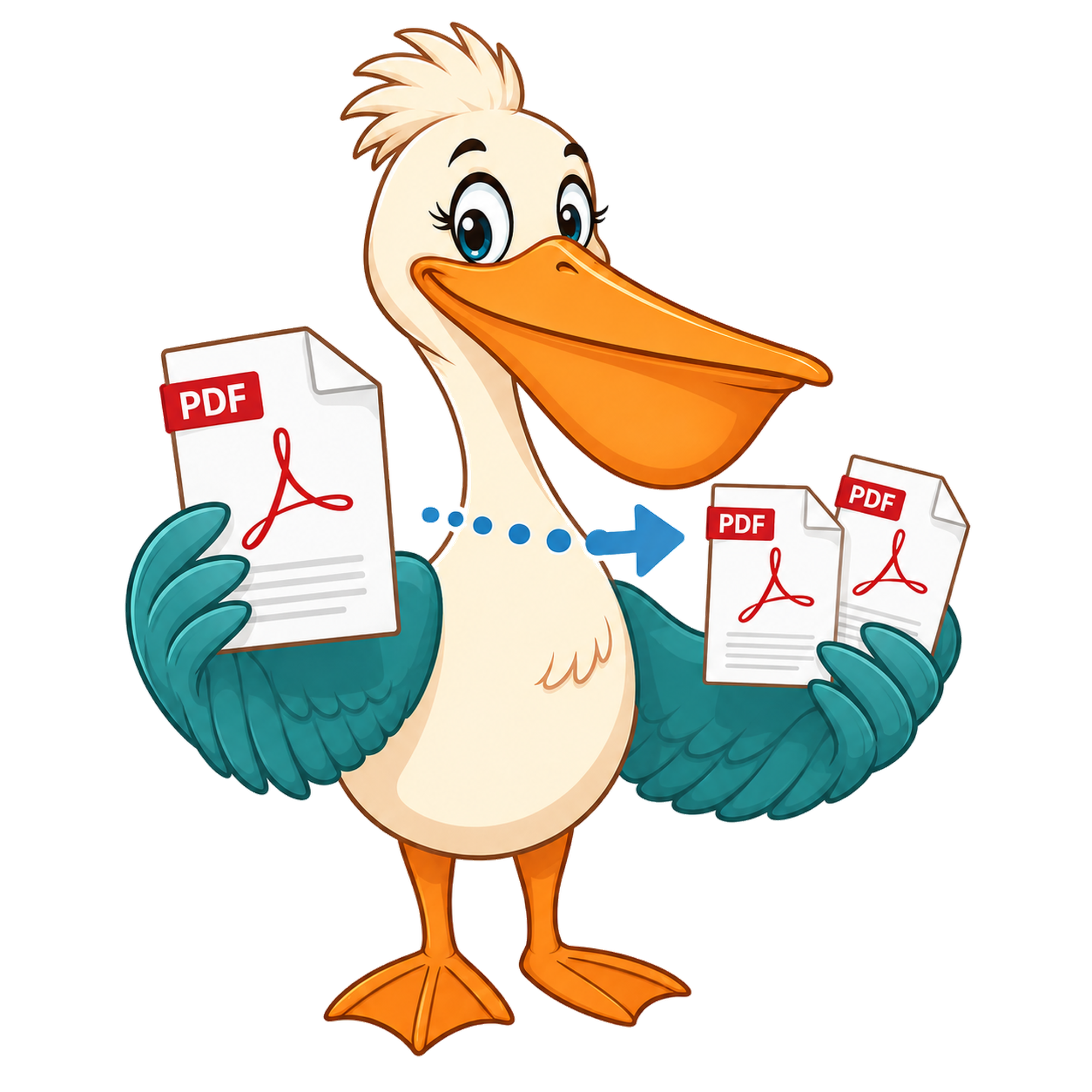
Drop a PDF and PDF Pelican turns every page into its own one-page PDF, zipped for download. No upload, no watermark.
Choose PDF to burstInteractive tool loading…
How it works
Drop your PDF on the Pelican Drop Desk.
Click Burst — every page is exported as its own one-page PDF.
Download the zip; each file is named with its page number.
Use cases
One-page tickets, badges, or certificates
Burst a print sheet so each attendee gets their own PDF attachment.
Page-by-page review
Reviewers can comment on individual pages without scrolling through the whole document.
Re-order before merging
Burst, drag the pages you want in the Merge tool, and rebuild the file in the order you need.
Free account & email verification
Start working now. Create a free account and verify your email only when your PDF is ready to download. We use verification to keep automated abuse off the site — it's the reason we can keep every tool free forever with no paid plan, no watermark, and no upgrade trap.
Your privacy
Your PDFs are processed entirely in your browser using WebAssembly — they are never uploaded to a PDF Pelican server. We only store anonymous analytics about which tools people use, never the contents of your files.
About this tool
Upload a PDF and PDF Pelican will burst it into a single PDF per page, packaged as a zip download. Everything happens locally in your browser.
Burst vs split — when to use which
Bursting and splitting sound like the same thing, but they answer different questions. Burst is the right tool when the answer to 'which pages do you want?' is 'all of them, one at a time'. You drop a 40-page PDF on the Pelican Drop Desk, click Burst, and get back forty separate one-page PDFs zipped together. Split is the right tool when the answer is 'these specific ranges' — chapters, signed pages, the first ten pages for a sample. If you find yourself splitting on every single page boundary, burst is the faster shortcut.
Most people reach for burst when they're handling something that arrived as one big document but needs to leave as many small ones. Event tickets printed on one sheet, certificates exported as a bundle, monthly statements scanned together, a stack of expense receipts captured in one go. Burst turns that 'one document, many things' file into individual files that can be attached, archived, or routed independently.
What happens to each page when you burst a PDF
When PDF Pelican bursts a file, it walks the document's page tree and rebuilds each page as a standalone PDF with its own page object, resources, and cross-reference table. Page-level content — text, fonts, images, vector paths, annotations on that page, form fields anchored to that page — travels with the new file. Document-wide metadata like the original outline (bookmarks), the catalog, and any cross-page links is intentionally dropped, because none of it makes sense on a one-page document.
The output files are valid, self-contained PDFs. You can open them in any reader, attach them to email, run them through another tool, or merge them back together later. There's no proprietary container, no 'open with PDF Pelican' wrapper, and nothing that ties the files to our service after the download.
Privacy: bursting happens in your browser
Bursting a confidential document — a signed contract, a payslip pack, a medical scan — and uploading it to someone else's server is a privacy mismatch most people would rather avoid. PDF Pelican does the work locally using WebAssembly inside your browser tab. The PDF is read into memory, the page splits are computed, the output zip is built, and the download is handed straight to your browser. None of those bytes ever reach a PDF Pelican server.
The trade-off is that very large files lean on your device's memory rather than a beefy cloud server. In practice a modern laptop handles documents in the hundreds of pages without complaint. If you hit a wall it'll be on a phone with a 600-page scan — burst on a desktop instead.
A workflow shortcut: burst, pick, merge
Burst is also a great first step when you need to re-order pages. Drop the PDF on the Drop Desk, burst it into individual pages, then open the Merge tool, drag the pages you want in the order you want, and rebuild a clean document. It's faster than fighting with a reorder UI when you're already comfortable dragging files around on your desktop.
We chose to make burst a separate tool rather than a checkbox inside split because the two operations get used very differently. Split rewards careful, range-by-range work. Burst rewards a single confident click. Keeping them apart means each tool does one thing well.
FAQ
What's the difference between burst and split?
Split lets you pick page ranges. Burst always produces one file per page.
Is there a page limit?
Limits depend on your device's memory, not our server. Large PDFs work fine on a modern laptop.
How are the files named?
Each page is exported as page-1.pdf, page-2.pdf, and so on, zipped together. Rename in bulk with your operating system once you've downloaded the zip.
Does burst preserve form fields and annotations?
Form fields, comments and bookmarks that belong to a specific page travel with that page. Document-wide metadata is dropped — each new file is its own self-contained PDF.
Can I burst a password-protected PDF?
Only if you can already open it. PDF Pelican never tries to break encryption. Open the file in your reader, save an unlocked copy, then drop it on the Drop Desk.
Will the output be watermarked?
No. PDF Pelican never adds a watermark to anything — burst, split, merge or compress. That's a permanent promise, not a free-trial perk.