
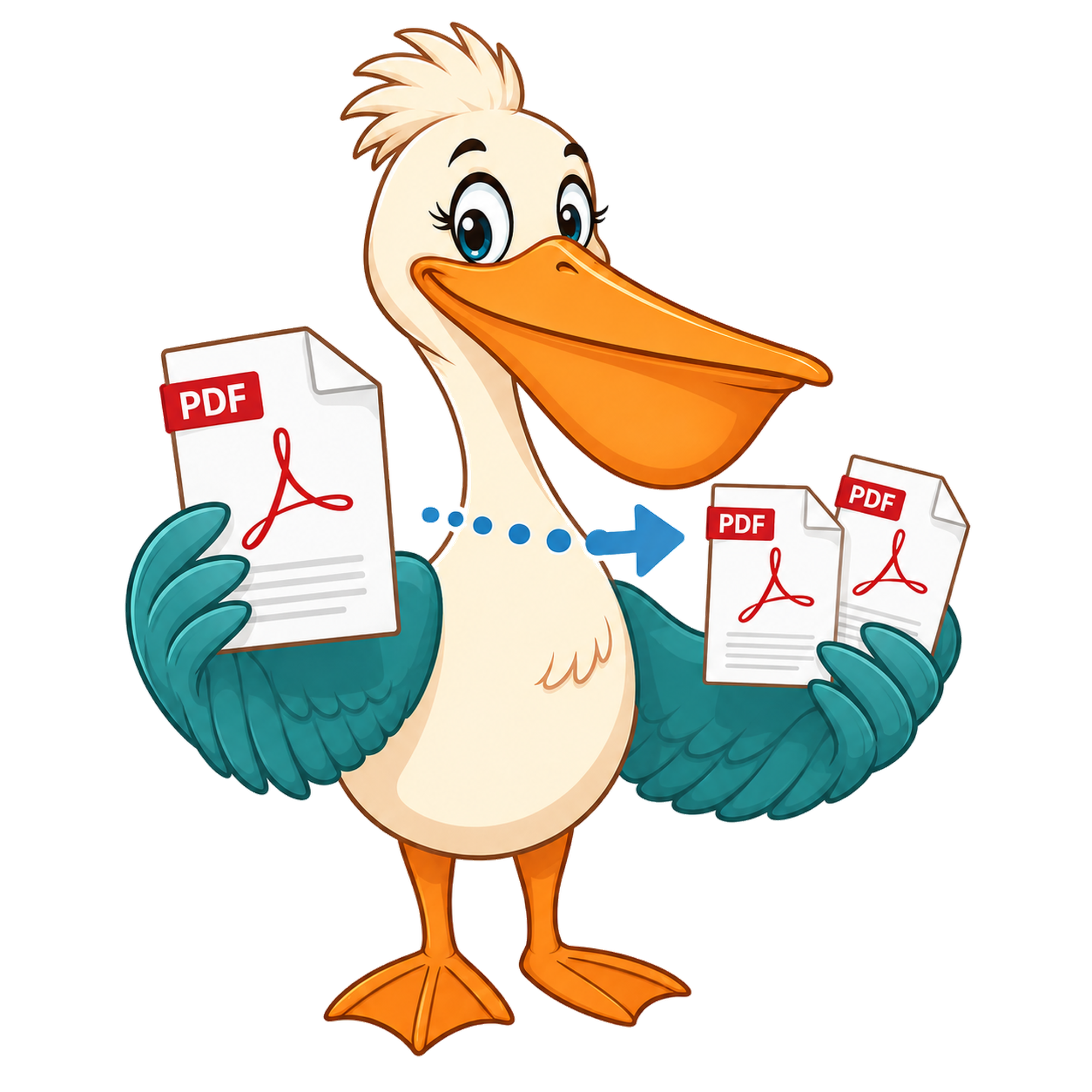
Split PDF — free forever
Extract page ranges from a PDF and download each as a separate file.
Split PDF — free forever
Drop a PDF, pick the pages you want, and download each section as its own file. Runs in your browser — your file never leaves your device.
Choose PDF to splitInteractive tool loading…
How it works
Drop your PDF on the Pelican Drop Desk — nothing is uploaded, the file stays in your browser.
Click between pages to add split points, or paste a range like 1-3, 5, 7-9.
Hit Split. PDF Pelican packages each section as its own PDF, ready to download.
Use cases
Send only the chapter your reader needs
Pull pages 12-18 out of a long report and email just that section — no need to share the whole document.
Separate signed pages from a contract
Split the signature page out and archive it on its own without re-scanning.
Break a scanned bundle into invoices
One scan, many invoices. Split on every page boundary and rename later.
Free account & email verification
Start working now. Create a free account and verify your email only when your PDF is ready to download. We use verification to keep automated abuse off the site — it's the reason we can keep every tool free forever with no paid plan, no watermark, and no upgrade trap.
Your privacy
Your PDFs are processed entirely in your browser using WebAssembly — they are never uploaded to a PDF Pelican server. We only store anonymous analytics about which tools people use, never the contents of your files.
About this tool
Upload a PDF, enter the page ranges you want (e.g. 1-3, 5, 7-9), and PDF Pelican will produce one PDF per range. Everything happens locally in your browser — your file never leaves your device.
When splitting beats sending the whole PDF
Most PDFs we share started life as a much bigger document. A board pack with one chart your colleague needs. A 90-page contract where only the schedule matters. A scanned bundle that includes ten invoices you need to file separately. Splitting is the difference between forwarding context-free noise and sending exactly what the other person asked for — and it makes the conversation that follows shorter, because nobody has to ask 'which page?'.
Splitting also keeps the original document intact. You're not destructively editing the source — you're producing new, smaller PDFs alongside it. The original sits exactly where you left it, and the split outputs are independent files you can rename, route, or archive however you like.
How the range syntax works
Type ranges separated by commas. A range like 1-3 means 'pages 1, 2, and 3 in one file'. A single number like 5 means 'just page 5 as its own file'. Combine them: 1-3, 5, 7-9 produces three output PDFs. Pages can overlap if you want them to — 1-5, 3-7 is valid and gives you both ranges as separate files.
Page numbers always start at 1 (matching how the document is paginated on screen), not 0. If you ask for a page that doesn't exist, the tool flags the range as invalid rather than silently dropping it.
Privacy: splitting happens on your device
PDF splitting is one of the situations where uploading a file feels especially uncomfortable. The whole reason you're splitting is usually that the document contains more than the recipient should see — pay info, legal counterparties, internal commentary. Sending that to a third-party server, even briefly, defeats the purpose.
PDF Pelican does the split in your browser using WebAssembly. The file is read into memory, the ranges are computed, the output PDFs are built, and each one is handed to your browser as a download. No bytes leave the tab.
Why this tool stays free
Most 'free' PDF splitters cap the file size, add a watermark, or limit you to one split a day before pushing a subscription. PDF Pelican is funded by ads on the surrounding page — never on the output — and a free account gates downloads to keep bots out. That's enough to cover the cost of running the site, which is why we can promise the tool will stay free forever with no watermark and no upgrade trap.
FAQ
Is splitting really free?
Yes. Every PDF Pelican tool is free forever. No paid plan, no watermark, no credits.
Are my files uploaded?
No. PDFs are processed entirely in your browser. Nothing is sent to a server.
What range syntax does the tool accept?
Comma-separated ranges with hyphens. 1-3, 5, 7-9 produces three files: pages 1 to 3, page 5 on its own, and pages 7 to 9. Whitespace is ignored.
What's the largest PDF I can split?
There's no hard server cap because nothing leaves your device. In practice modern laptops handle documents in the hundreds of pages comfortably. On a phone, expect the practical ceiling to be a few hundred MB depending on memory.
Does splitting reduce file size?
Each output range is smaller than the original because it contains fewer pages, but the per-page byte size is identical. If you also need a smaller file, use Compress after splitting.
Can I split scanned PDFs?
Yes. The split is based on page numbers, not content type, so OCRed scans and image-only scans both split cleanly.