
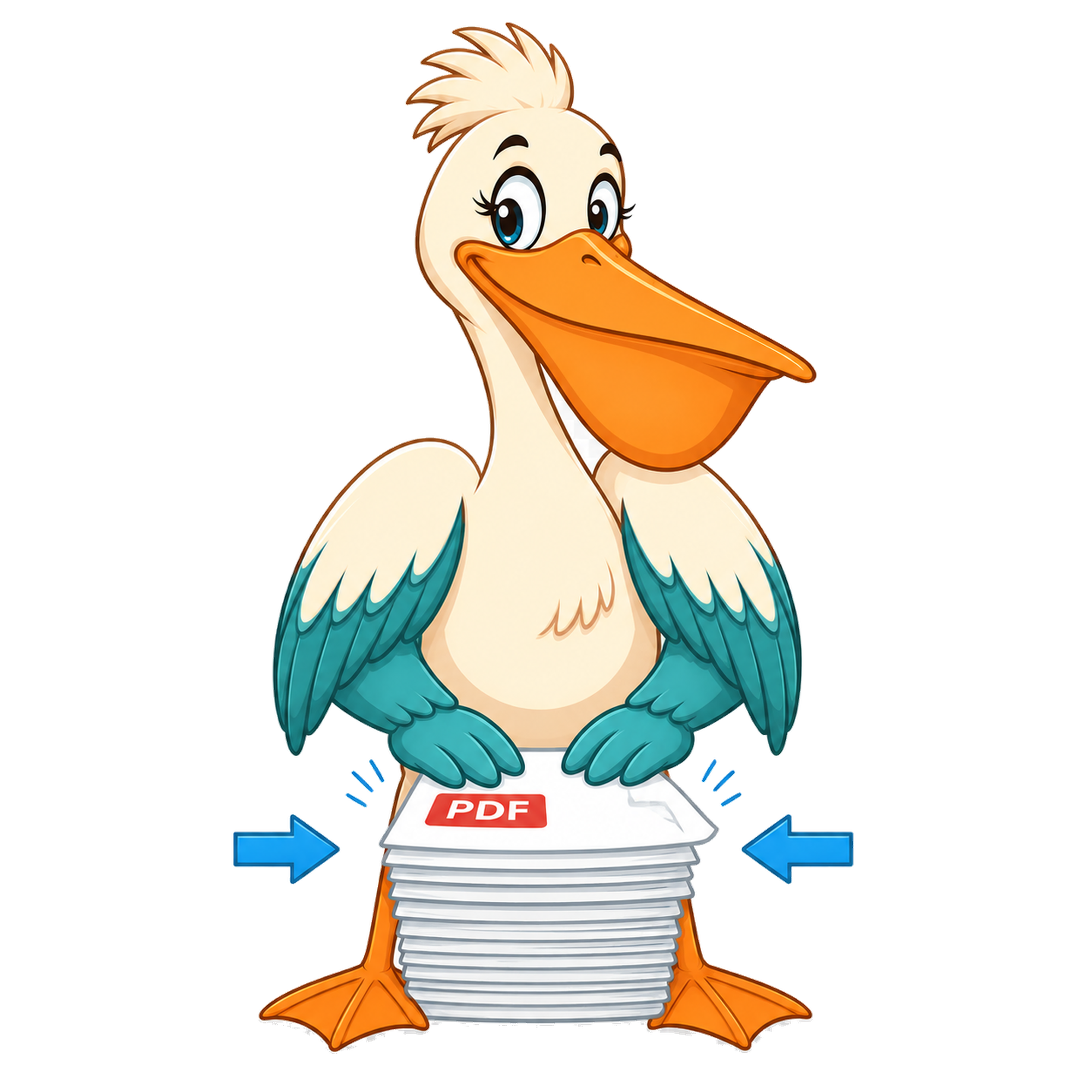
Compress PDF — free forever
Reduce PDF file size while keeping text and images readable.
Compress PDF — free forever
Drop a PDF and PDF Pelican reduces its file size while keeping it readable — perfect for emailing or uploading to slow forms.
Choose PDF to compressInteractive tool loading…
How it works
Drop your PDF on the Pelican Drop Desk.
Pick a quality preset — high, medium, or low — and optionally convert to grayscale.
Hit Compress. PDF Pelican re-renders each page at the chosen DPI and saves the smaller file.
Use cases
Get a PDF under an email size limit
Most mail systems cap attachments at 10-25 MB. Compress until the file fits, then send.
Speed up a webpage download
Smaller PDFs load faster — better for support docs, brochures, and downloadable guides.
Save storage on long scans
Image-heavy scans shrink dramatically at medium quality with no visible loss.
Free account & email verification
Start working now. Create a free account and verify your email only when your PDF is ready to download. We use verification to keep automated abuse off the site — it's the reason we can keep every tool free forever with no paid plan, no watermark, and no upgrade trap.
Your privacy
Your PDFs are processed entirely in your browser using WebAssembly — they are never uploaded to a PDF Pelican server. We only store anonymous analytics about which tools people use, never the contents of your files.
About this tool
Upload a PDF and PDF Pelican will re-encode images and drop unused objects to shrink the file. Everything runs locally in your browser.
Why PDFs get huge in the first place
A pure-text PDF — a contract, a memo, a research paper — is almost always small. Text is stored as vector glyphs referencing embedded fonts, and that's compact. The files that balloon are the ones built around images: phone scans of receipts, multifunction-printer scans of signed paperwork, screenshots, slide exports, brochures, and anything produced by a scanner that wasn't told to use 'smaller file size' mode. A single full-page colour scan at 600 DPI can be 4-6 MB on its own; a ten-page bundle is suddenly 40-60 MB.
Compress works by finding those embedded images and re-encoding them. Resolution drops to a sensible screen-or-print target, and JPEG quality drops a little. Text is left alone. The result is a smaller file that still looks like the original to a human reader.
How to pick a compression level
Low is for the unusual case where you want only a marginal save — perhaps because the document is going to print and you want the highest quality you can get while still trimming a bit of fat. Medium is the default and the one to reach for first; for most scanned documents it shrinks the file 50-80% without visible quality loss on screen. High is for when Medium isn't small enough — typically when you're trying to drop under a strict 5 MB or 10 MB attachment cap. High does soften image detail, so don't use it on artwork you care about.
If your reason for compressing is 'email won't accept it', go straight to Medium and see if the file now fits. If it does, you're done. If not, try High before falling back to a file-share link.
What compression won't do
Compression isn't OCR. If you compress a scanned PDF, the result is still a picture of text; it doesn't suddenly become searchable. Compression also isn't redaction — blacked-out content stays in the file. And it can't fix corrupted PDFs; if your reader complains about the input file, fix the source first.
Why this tool stays free
PDF Pelican is funded by Google Ads on the surrounding page, not by a paid plan. Compressing is one of the most-requested PDF operations on the internet, and most 'free' tools either watermark the output, cap the file size, or limit you to one compression a day. We don't do any of that — there's no watermark, no file-size cap, and no compress-count meter. The free account at the download step is what keeps the cost of running the site predictable, which is what lets us promise the tool stays free forever.
FAQ
How much smaller will my PDF be?
Typical savings are 30–70% depending on how many images the PDF contains.
Will quality drop?
Pick a compression level. Higher compression = smaller file = more visible image quality loss.
Does compression affect text?
No. Text stays vector — fonts and glyphs are not re-encoded. Only embedded images are re-rendered at a lower resolution.
Should I pick High to get the smallest file?
Start with Medium. High squeezes harder but produces visible softness on detailed images. Most documents fit under email limits at Medium, with no perceptible quality loss.
Why is my PDF still big after compressing?
If the file is almost entirely vector text it was already close to minimal. Compression mainly recovers space from embedded images. A 50-page text-only contract won't shrink much; a 10-page scanned bundle can shrink 80%.
Is anything uploaded?
No. Compression happens in your browser using WebAssembly. The PDF is read into memory, re-encoded, and downloaded — never sent to a server.