
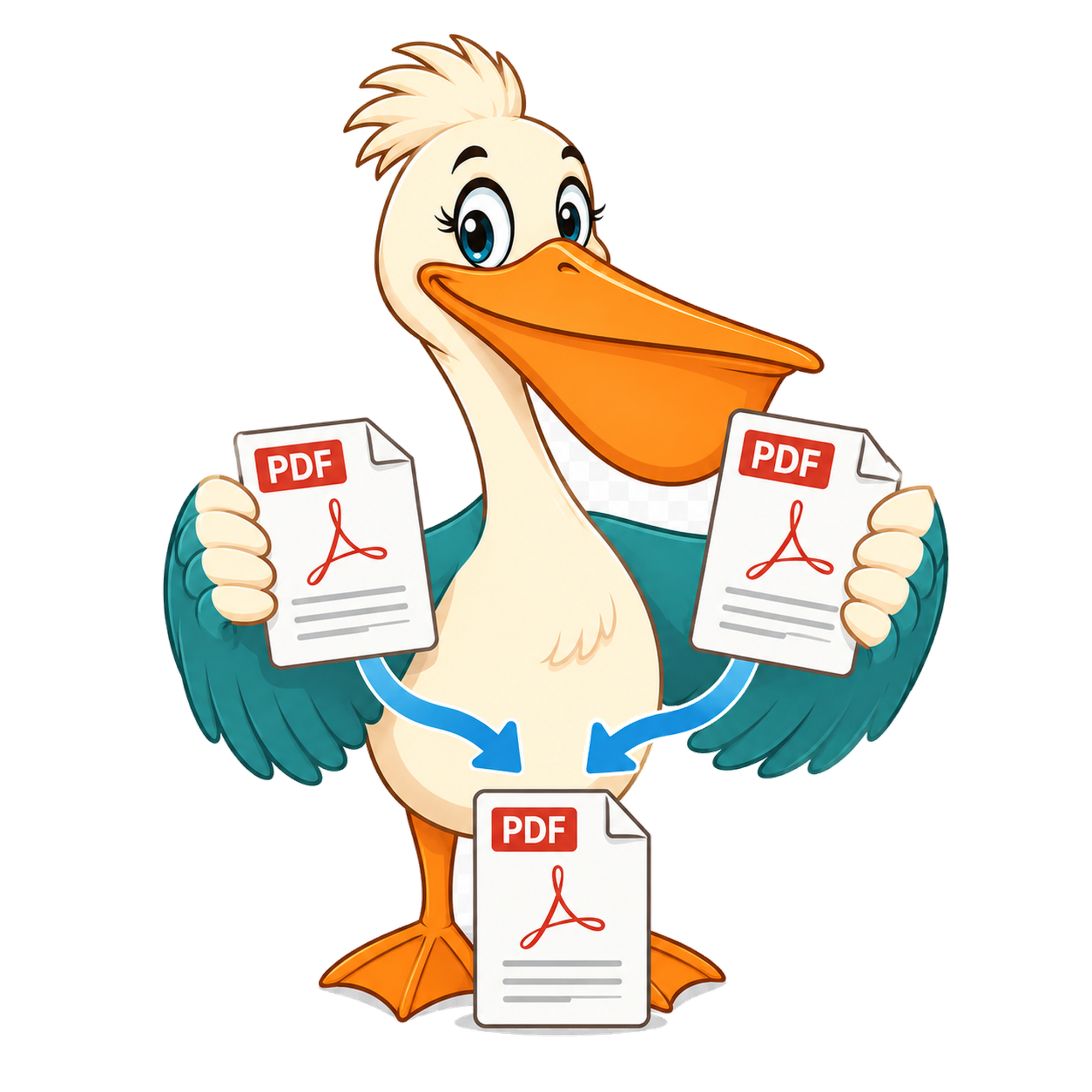
Merge PDF files with no watermark
The free Merge PDF tool combines any number of PDFs into one. The output has no watermark and no metadata branding.
- Free forever
- No watermark
- No paid plan
- Free for commercial use
- Google Ads funded
- Files stay on your device
If you've ever needed to send 'one PDF, please' to a client or government portal, you've needed a merge tool. Most of the free ones online slap a watermark on the result or limit free users to two or three files before asking for an upgrade.
PDF Pelican's merge is unlimited, watermark-free, and runs entirely in your browser. You can combine two PDFs or twenty in a single pass.
Drag-and-drop ordering
After you load your files you can drag them into the order you want before merging. The merge tool also shows page counts so you can sanity-check what the final document will contain.
Mixed sources are fine
Files from different scanners, different PDF generators, different page sizes — all combine into one output. The merge tool keeps each file's original orientation and page size; nothing is rescaled or re-rendered.
What's in the output
One PDF with every input page in the order you specified, at original quality, with no added watermark and no injected metadata branding.
Privacy
Files are merged in your browser using WebAssembly. Nothing is uploaded to a server, so the contents of your PDFs stay on your machine.
Why merged PDFs so often get stamped
Merging is one of the most common 'free PDF tool' operations, and it's the place where watermarks show up most reliably. The reason is simple: people who merge usually need to send the result to someone else, which means the watermark gets shown to a third party. That's exactly the leverage point freemium sites exploit — pay to remove the watermark before your client sees it.
PDF Pelican rejects this whole pattern. The merged file is clean from the first byte. There's no cover page, no margin stamp, no embedded metadata field identifying the file as ours. You can send the merged PDF straight to a client and they have no way of telling which tool produced it.
What 'merge' preserves under the hood
The tool walks each source PDF, copies the page objects (and the fonts, images, form fields and annotations each page depends on) into the output document, and rebuilds the document outline by concatenating each source's bookmarks. Page-level interactivity travels with the page — checked boxes stay checked, links stay clickable, comments stay anchored to their page. Document-wide settings like the original 'open zoom' or 'page layout' preferences are reset to sensible defaults for the merged file.
Privacy: nothing leaves the browser
Every PDF you drop into the Merge tool is read into the browser's memory, combined locally using WebAssembly, and the merged file is built in memory before being downloaded. None of the sources or the merged result is sent to a PDF Pelican server. That matters when you're combining contracts, financial statements, medical records or anything else you wouldn't normally upload to a stranger.
Why merged PDFs so often get stamped
Merging is one of the most common 'free PDF tool' operations, and it's the place where watermarks show up most reliably. The reason is simple: people who merge usually need to send the result to someone else, which means the watermark gets shown to a third party. That's exactly the leverage point freemium sites exploit — pay to remove the watermark before your client sees it.
PDF Pelican rejects this whole pattern. The merged file is clean from the first byte. There's no cover page, no margin stamp, no embedded metadata field identifying the file as ours. You can send the merged PDF straight to a client and they have no way of telling which tool produced it.
What 'merge' preserves under the hood
The tool walks each source PDF, copies the page objects (and the fonts, images, form fields and annotations each page depends on) into the output document, and rebuilds the document outline by concatenating each source's bookmarks. Page-level interactivity travels with the page — checked boxes stay checked, links stay clickable, comments stay anchored to their page. Document-wide settings like the original 'open zoom' or 'page layout' preferences are reset to sensible defaults for the merged file.
Privacy: nothing leaves the browser
Every PDF you drop into the Merge tool is read into the browser's memory, combined locally using WebAssembly, and the merged file is built in memory before being downloaded. None of the sources or the merged result is sent to a PDF Pelican server. That matters when you're combining contracts, financial statements, medical records or anything else you wouldn't normally upload to a stranger.
FAQ
- Is there a file count limit?
- No fixed limit. The practical cap is your browser's memory.
- Will the output have a watermark?
- No. The merged PDF is clean and unbranded.
- Can I reorder pages after merging?
- Reorder the source files before merging. To rearrange individual pages, run the merge then re-import the result and use Split.
- Do bookmarks survive?
- Top-level bookmarks from each source PDF are preserved in the merged file.
Related free tools
PDF Pelican is funded entirely by Google Ads, which is how we keep every tool free forever with no watermark and no upgrade trap.