
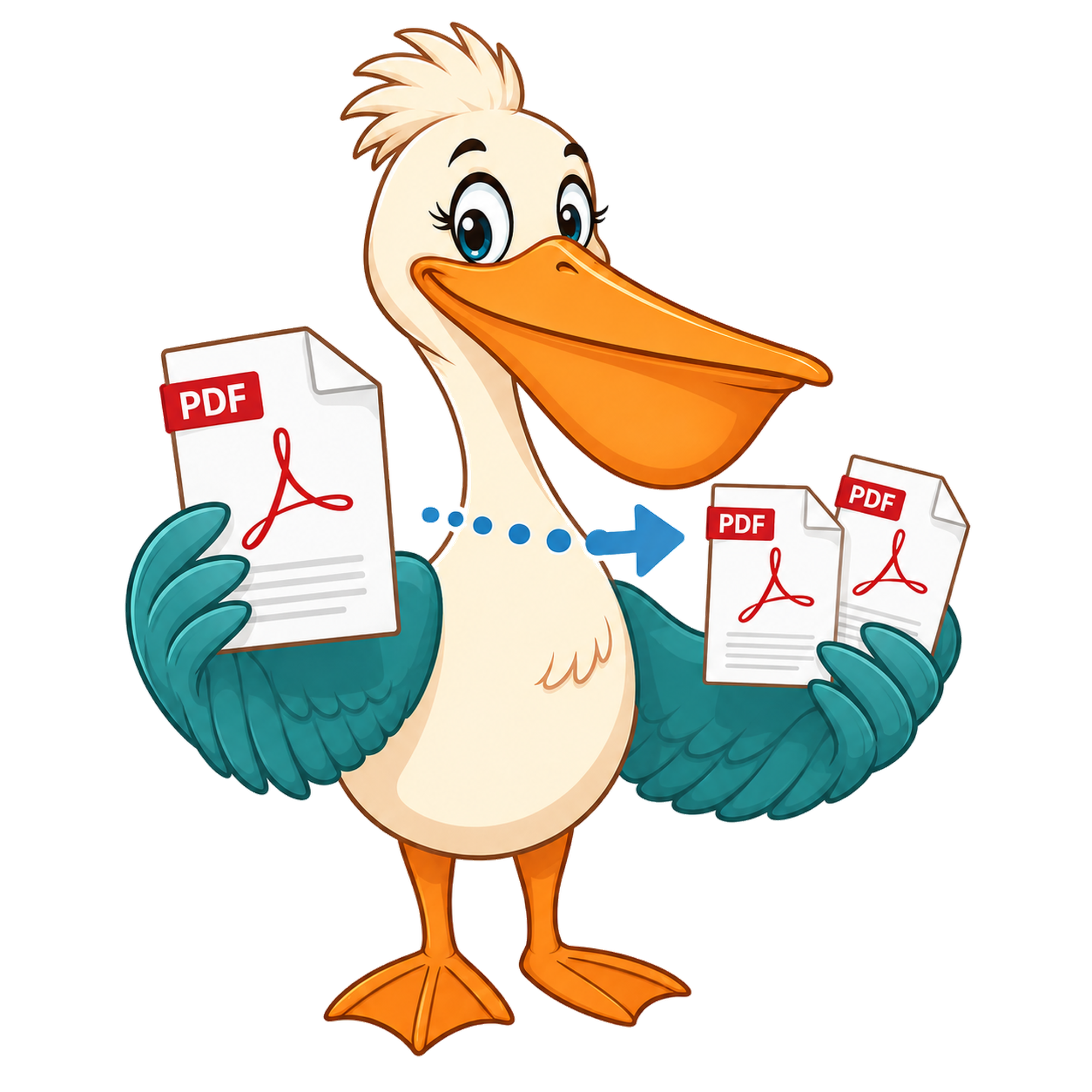
Split PDF by page range
Open the free Split PDF tool, type the page range you want (for example 5-12), and download a new PDF that contains only those pages. No watermark, no paid plan.
- Free forever
- No watermark
- No paid plan
- Free for commercial use
- Google Ads funded
- Files stay on your device
A page-range split is the most common reason to cut up a PDF. You have a 200-page report and you only need chapter three. You have a court filing and you only need exhibits 5 to 12. You have a textbook chapter and you only need the section your colleague asked for.
PDF Pelican's free Split PDF tool handles this directly: pick the file, type the range, download the extract. The original document isn't modified.
How page ranges work
A page range is just a start page and an end page, inclusive. '5-12' means 'give me pages 5, 6, 7, 8, 9, 10, 11 and 12 as a new PDF'. Page numbers are 1-indexed, exactly as they appear in the page counter at the bottom of most PDF readers.
If the range goes past the last page, the tool simply stops at the end of the document. You can also pick non-contiguous pages — see the Extract Pages page for that.
When a page-range split is the right call
Sending a single chapter from a long report instead of the whole file. Archiving the relevant section of a contract while leaving the full version on disk. Pulling the abstract and introduction out of an academic paper for a literature review. Extracting one tax form from a multi-form bundle.
What the output looks like
The output is a new PDF containing exactly the pages you asked for, in their original order, at their original quality, with no watermark or metadata changes. The original document is untouched.
Privacy
The split happens in your browser. The PDF doesn't get uploaded to a server — pages are extracted locally using a WebAssembly PDF engine.
Page-range syntax in detail
A range is two page numbers separated by a hyphen: 1-3 means pages one, two and three combined into a single output PDF. A single number on its own — 5 — is its own one-page output. Combine ranges and single pages with commas: 1-3, 5, 7-9 produces three output PDFs. Whitespace inside the input is ignored, so '1 - 3 , 5 ' and '1-3,5' are read the same way.
Ranges may overlap. 1-5, 3-7 is valid: the first output contains pages 1 to 5, the second contains pages 3 to 7. Pages outside the document raise an error rather than being silently truncated.
Why range-splitting beats other approaches
If the document has a natural structure — chapters, sections, signed parties — range splitting matches that structure cleanly. You define each chunk once, run the split once, and get one file per chunk. Compared to bursting (which gives you one file per page) or extracting (which gives you a single multi-page file from scattered pages), range splitting is the right tool when the chunks are contiguous.
Workflow examples
Pull pages 1-12 out of a 90-page proposal to send as a teaser, while keeping the full version internally. Split a 200-page scanned bundle into individual ten-page invoices. Extract just the appendix (pages 75-90) from a research paper to share with a reviewer. The point of the tool is that any of these takes about ten seconds once you've typed the range.
Privacy at the byte level
Range splitting runs in your browser's WebAssembly runtime. The PDF is parsed locally, the page ranges are sliced into new documents in memory, and each output file is handed to your browser as a download. No document bytes ever reach a PDF Pelican server, which matters when the reason you're splitting is to hold back the parts a third party shouldn't see.
Page-range syntax in detail
A range is two page numbers separated by a hyphen: 1-3 means pages one, two and three combined into a single output PDF. A single number on its own — 5 — is its own one-page output. Combine ranges and single pages with commas: 1-3, 5, 7-9 produces three output PDFs. Whitespace inside the input is ignored, so '1 - 3 , 5 ' and '1-3,5' are read the same way.
Ranges may overlap. 1-5, 3-7 is valid: the first output contains pages 1 to 5, the second contains pages 3 to 7. Pages outside the document raise an error rather than being silently truncated.
Why range-splitting beats other approaches
If the document has a natural structure — chapters, sections, signed parties — range splitting matches that structure cleanly. You define each chunk once, run the split once, and get one file per chunk. Compared to bursting (which gives you one file per page) or extracting (which gives you a single multi-page file from scattered pages), range splitting is the right tool when the chunks are contiguous.
Workflow examples
Pull pages 1-12 out of a 90-page proposal to send as a teaser, while keeping the full version internally. Split a 200-page scanned bundle into individual ten-page invoices. Extract just the appendix (pages 75-90) from a research paper to share with a reviewer. The point of the tool is that any of these takes about ten seconds once you've typed the range.
Privacy at the byte level
Range splitting runs in your browser's WebAssembly runtime. The PDF is parsed locally, the page ranges are sliced into new documents in memory, and each output file is handed to your browser as a download. No document bytes ever reach a PDF Pelican server, which matters when the reason you're splitting is to hold back the parts a third party shouldn't see.
FAQ
- Can I split by multiple non-contiguous ranges?
- Yes — use the Split tool's visual page picker to select multiple ranges, or use the Extract Pages page for a focused workflow.
- What if my range exceeds the page count?
- The tool stops at the end of the document and gives you everything up to that point.
- Will the output have a watermark?
- No. Output from the Split tool is byte-clean and unbranded.
- Is there a page-count limit?
- No. The only practical limit is your browser's memory.
Related free tools
PDF Pelican is funded entirely by Google Ads, which is how we keep every tool free forever with no watermark and no upgrade trap.